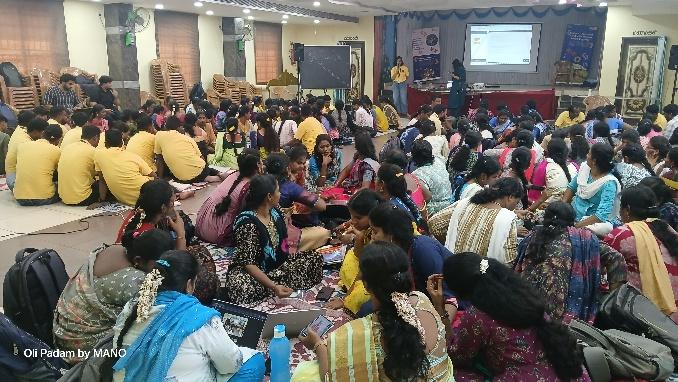
The RightStart Computer Science Training was held in Thiruvallur from December 2025, bringing together 133 Asha teachers from across India. The three-day program featured sessions on Asha Kanini, curriculum updates, AI in schools, digital safety, MESL activities, and hands-on training to strengthen teaching practices.
You may view the album here.
Asha holds two major teacher training sessions every year-
- Right start in May
- Computer Science Training in December
During these training sessions, all Asha teachers from our project locations in Tamilnadu and Uttar Pradesh attend the events. You may read about RightStart 2025 here.
The 3-day CS training was held at Thiruvallur at the Sairam Mahal, Siruvanur Kandigai between 17-19 December, 2025 this year. 133 teachers from Thiruvallur, Thoothukudi, Thiruvanamalai, Chennai, and Uttar Pradesh attended the event. We also had attendees from Gandhiji school Pondicherry, Asha Mumbai, Kabir Foundation – Khajuraho, Little Stars School – Varanasi, and Parmarth Samaj Sevi Sansthan – Jhansi, who joined the sessions to participate in the training.
Teachers from various locations were accommodated at different places in Thiruvallur. Our teachers statyed at KP Guest house, Sangamam office and Thirupatchur RTC. The volunteers stayed at the KP Palace in Thiruvallur.
Day 1 – 17 December, 2025, Wednesday
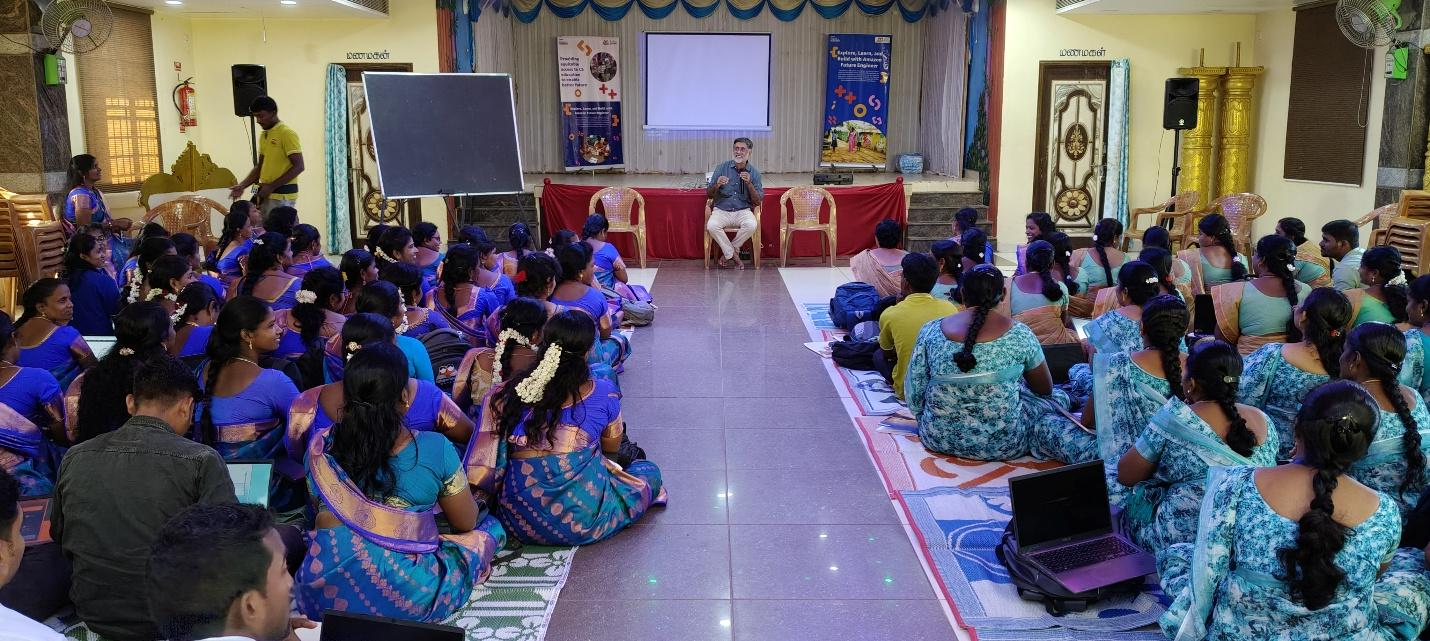
The session began with Mr. Rajaraman welcoming everyone present to the event. He spoke about the importance of the training program and outlined the sessions planned over the 3 days.
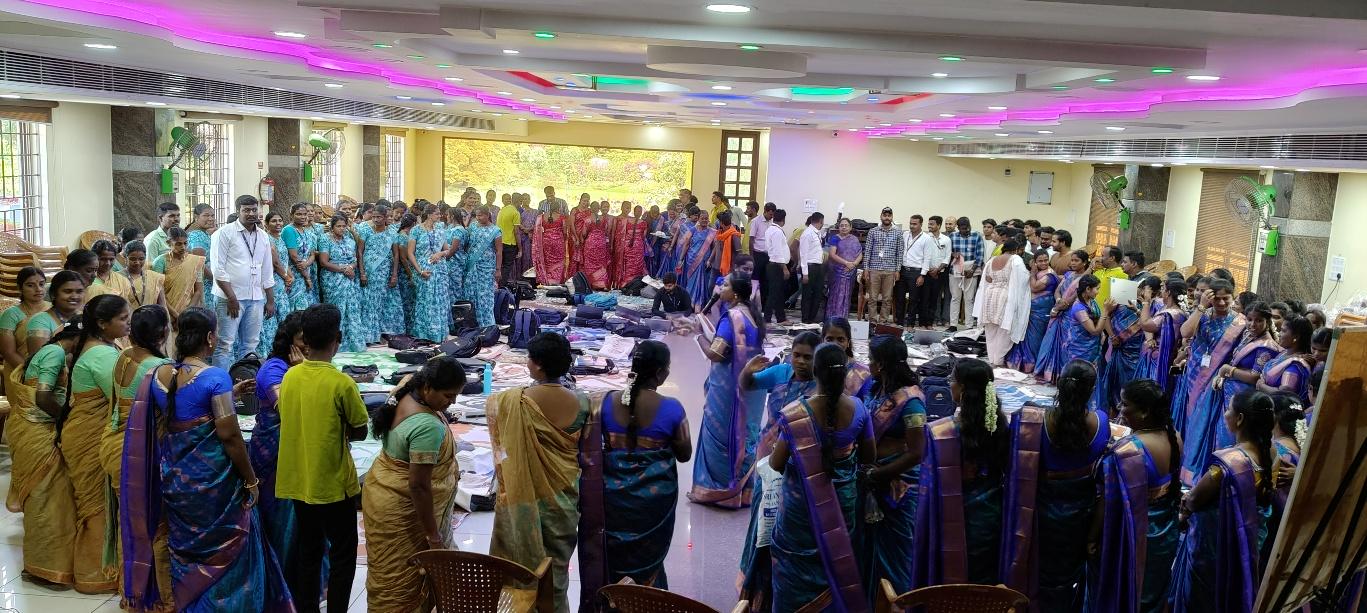
After the introduction, the first session was conducted by Ms. Seetha. Her team distributed chocolates to all the teachers and grouped them as per the chocolate received. It was a fun start to the day!
Asha Kanini App, Online packages by Mr. Hemnath
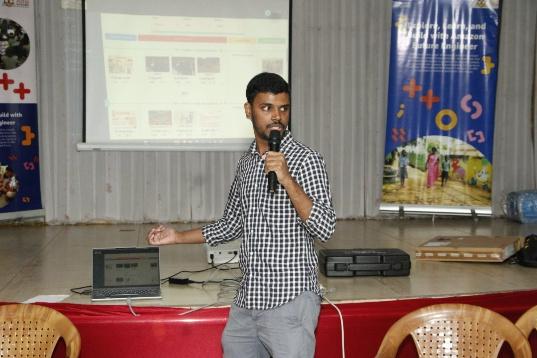
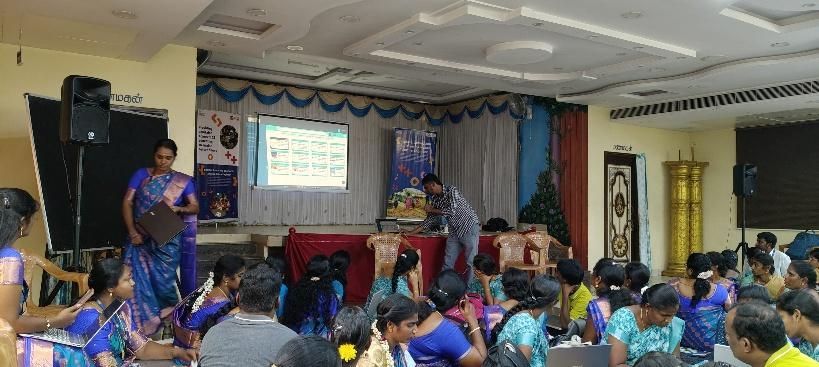
Once all the teams had settled, the first session was conducted by Mr. Hemnath from Asha’s software development team to introduce the teachers to the features of the new version of Asha Kanini. Asha Kanini is developed by Asha Chennai and it helps teachers find the right content for the lesson they are teaching and use it effectively to improve student learning.
The development team has worked on several updates to the Kanini app during the year. The team gave the teachers demonstration of the new updates done. New content which has been added can be mapped within the app, and the teachers were taught how to navigate to these content. The team also gave a general recap of the new and existing features.
Computer Science curriculum by Ms. Seetha and Team
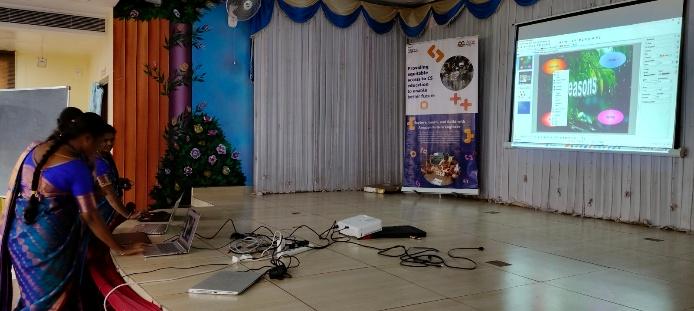
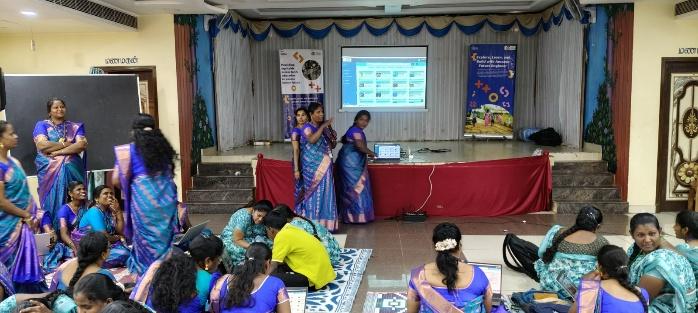
In this session, the teachers explained the updates in the curriculum and showed how to use the new version of the CS lesson plans in the Asha app. Ms. Priya explained the changes in Digital Literacy, Ms.Satya Bharathi introduced the new features in the Scratch program, and Ms. Meenakshi conducted hands-on training using physical computers.
AI Samarth – Vision for AI in Schools by Prof Karthik Raman from IITM
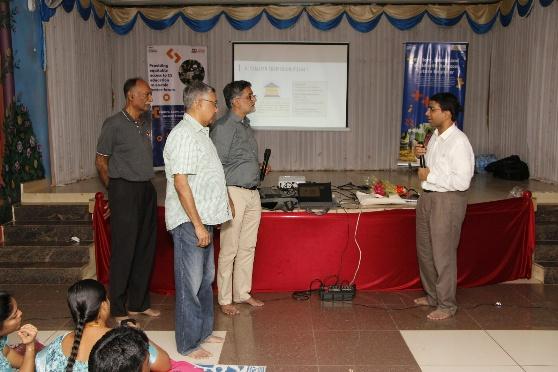
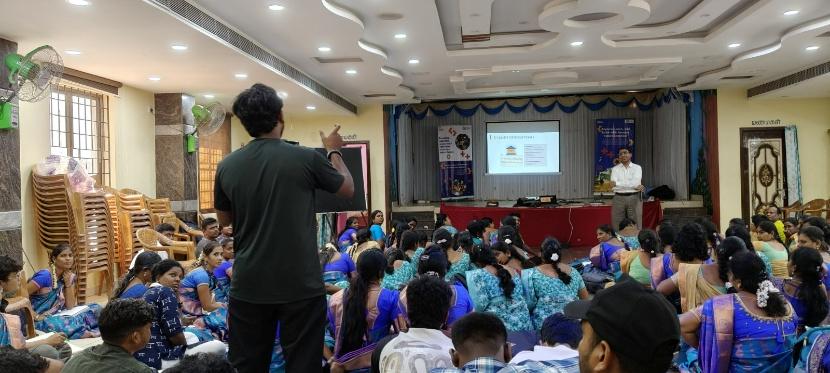
Amongst the sessions planned for the event, we had an interesting session by Prof Karthik Raman of IIT Madras, the Chairman of the drafting committee for CBSE for the new AI and Computational Thinking curriculum. His session on ‘Vision for AI in Schools’ was well received by the teachers. They enthusiastically clarifie
d their doubts and concerns about AI. Prof Raman threw light on the future of AI in education and how AI will be adapted into school curriculum.
Digital Safety by Ms. Priyanka
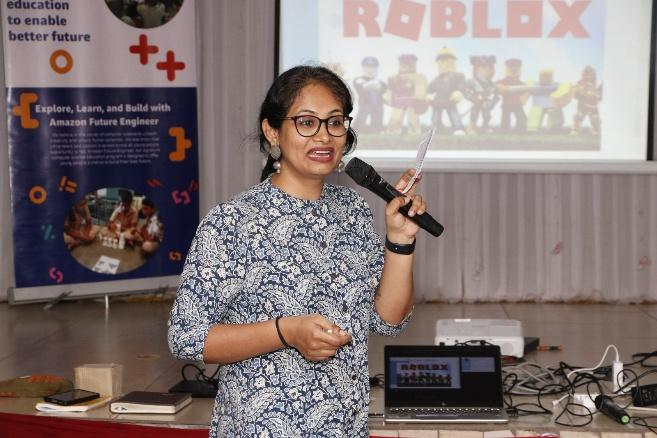
Amazon Future Engineer team had conducted a workshop on Digital Safety for children which was attended by Ms. Priyanka. She conducted the same session for all our teachers during the training. The session touched upon topics like digital footprint online, online safety in games such as Roblox, the repercussions of misinformation on society. The session was conducted using activities and guidelines suggested in the Digital Safety handbook curated by Amazon.
Day 2 – 18 December 2025, Thursday
(Parallel Sessions for Tamilnadu participants and the rest)
Teachers from Asha’s SPRINT program teach students for 40 hours a year. Out of this, 20 hours are dedicated to Computer science and the other 20 hours are used to teach Math, English and Science. These sessions usually were unstructured and taken without clear guidelines.
This year, Asha’s software development team worked on bringing a structured approach to these lessons which lead to the creation of MESL activities. MESL stands for Math, English, Science and Logical Reasoning. The team created lessons and set of activities under each topic in Asha Kanini for the teachers to use. The lessons taken by teachers are also tracked under our Teacher trackers. Since these are new activities, teachers were given training for the same during Day 2.
Maths MESL Activities by Ms. Nathiya
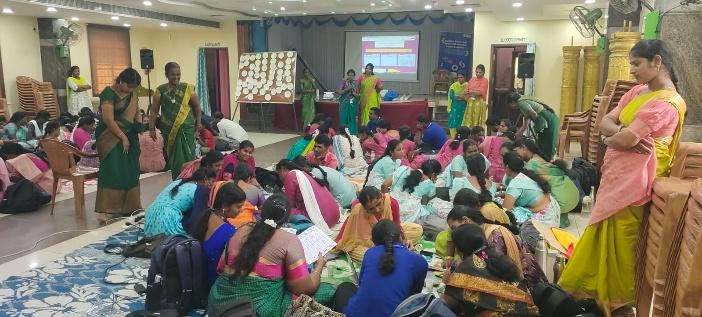
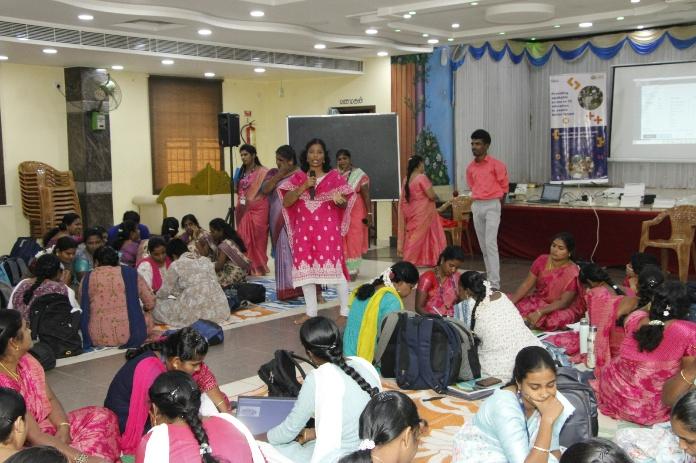
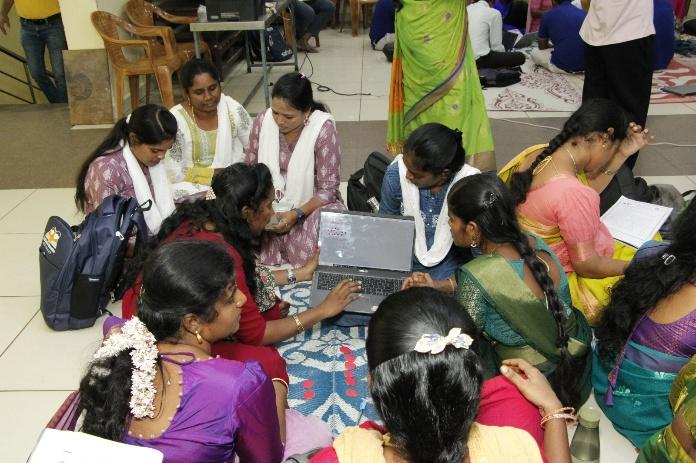
In this activity, teachers were divided into small groups of six, and each group was given 20 color-coded tokens—green for positive values and red for negative values—to help make abstract math concepts more visual and easy to understand. The team first explained how addition, subtraction, and multiplication could be shown using these tokens, after which teachers practiced solving problems by combining and exchanging them. This hands-on learning was then linked to a worksheet so teachers could connect the activity to written exercises, and finally extended to a computer-based activity.
The purpose was to demonstrate how manipulatives (tokens) make math concepts clear, how hands-on, worksheet, and computer activities can be integrated for deeper understanding, and how teachers can adapt this complete teaching approach for their own classrooms. For computer teachers, this activity was adapted for upper primary level, helping them understand how children grasp mathematical concepts through interactive methods.
English MESL Activity by Ms. Radhika
Three English activities from the MESL module were conducted. Computer teachers from Sangamam, Thulasi, Pearl, Cauvery, and Poorna Vidya participated in this training. The activities included-
1. Alphabet Hunt for Class 1, where students can identify capital and small letters through a fun ball-throwing and balancing activity;
2. Look and Say for Class 4, in which students are required to create and ask questions based on pictures exchanged between teams; and
3. Searching for the Goal, a treasure-hunt–based activity where students follow clues placed around the classroom and answer grammar-related questions to reach the final goal.
Worksheets and relevant Asha content, including Asha Kanini, were used to reinforce learning, and teachers actively practiced using these resources. Chocolates were given to the winners to encourage participation and make the session engaging and enjoyable.
Science MESL Activities by Ms. Sasirekha
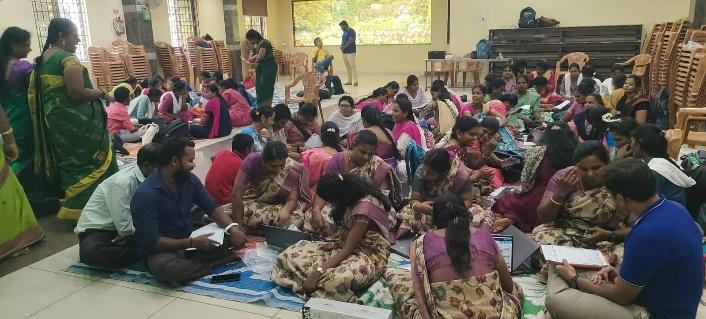
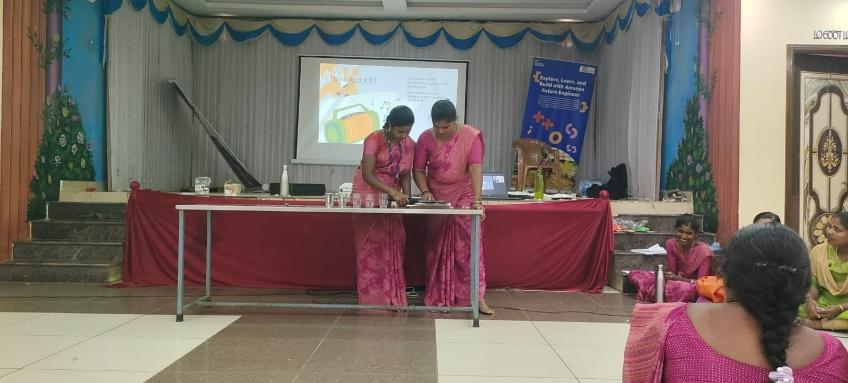
The Science Team conducted training sessions on three topics: friction on different surfaces, elements and compounds, and the Jaltarang sound activity. For the friction topic, three ramps with different surfaces were used, and one teacher performed the experiment in front of the group. A freehand worksheet method was followed, where the teacher drew the experiment setup, read the questions, and discussed the answers with the group. The topic of elements and compounds was then explained using a PhET digital simulation, which helped teachers understand the concept more clearly. For the Jaltarang activity, the idea of sound was introduced, and a Jaltarang mobile app was briefly shown as a fun learning tool. After each activity, a worksheet related to the topic was given to all participants to check their understanding.
Logical MESL Activities by Ms. Sathya
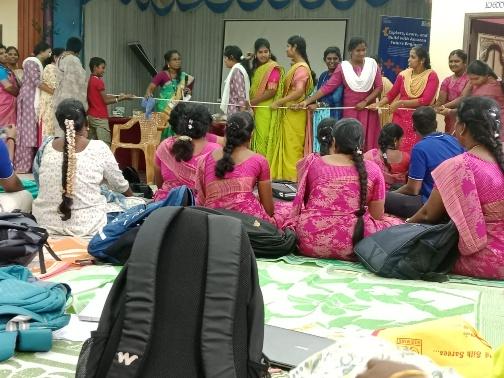
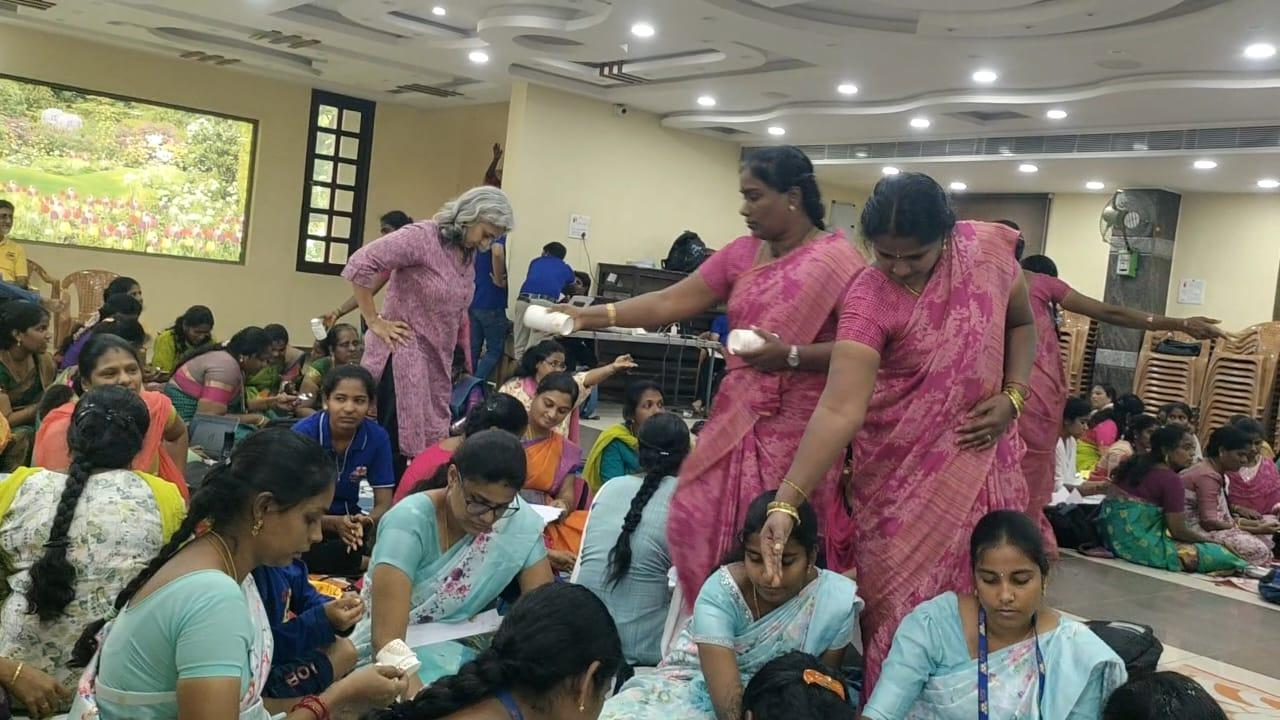
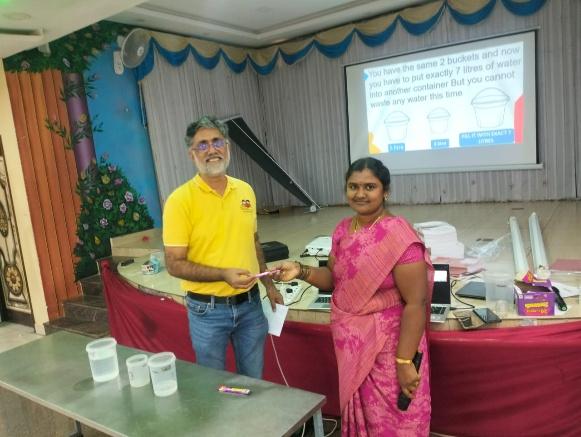
The session focused on four logical thinking activities: Fill and Pour from the NLVM package, Sum Blocks from Math Playground, Fifteen Puzzle from GCompris, and Hot Java from Hooda Math. Teachers engaged in both classroom-based activities and online games related to these topics, helping them understand how logical thinking can be strengthened through hands-on practice and interactive digital tools.
Separate session for all Hindi speaking teams by Mr. Rohit
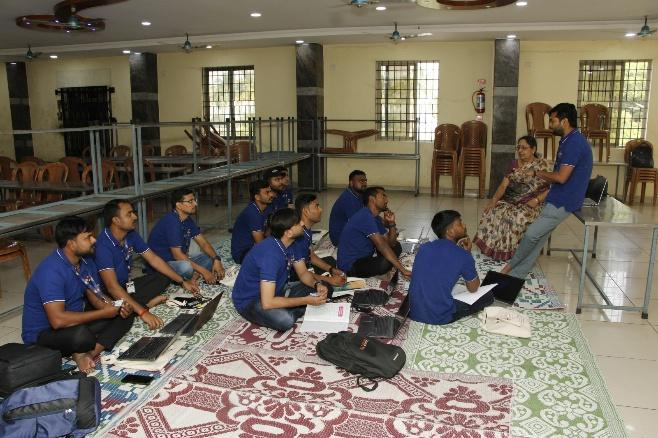
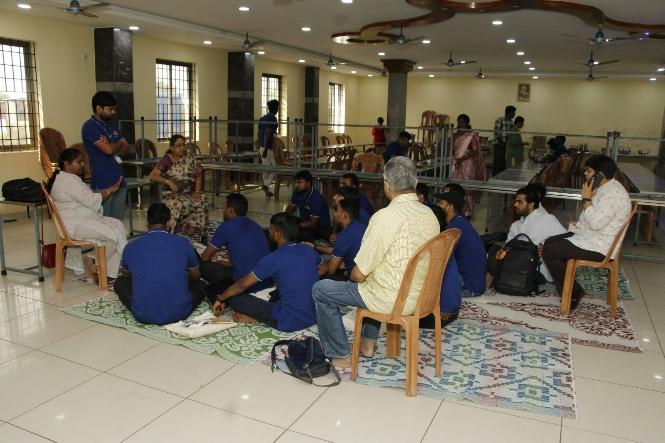
Since our sessions are a mix of Tamil and English, the Hindi speaking participants found it hard to follow. On the second day, a separate session was conducted for the Uttar Pradesh, Mumbai and participants from Jhansi and Khajuraho. During this session, Rohit and Kumari explained several unplugged activities such as- Odd and Even using cards, If–Else conditions with cards, the Cup Activity, and the Grid Activity. This was followed by another session on advanced features of OpenOffice, including interactions and motion paths, and advanced Scratch features such as using clones. Ms. Komalavalli and Ms. Jayalakshmi supported the teachers by helping them complete these tasks.
Day 3 – 19 December, 2025, Friday
Unplugged activity for searching and sorting by Ms. Kumari and Ms. Gomathy
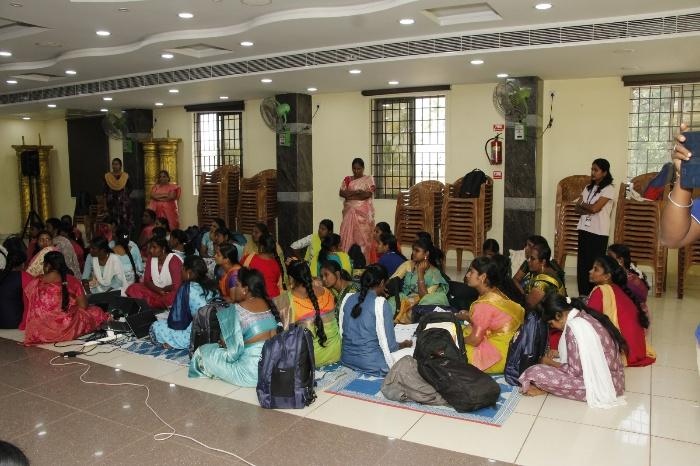
Unplugged activities were conducted to help teachers understand sorting and searching algorithms using real-life examples. Teachers stood in random order and were arranged from shortest to tallest to demonstrate different sorting methods like selection sort, bubble sort, merge sort and quick sort.
Searching algorithms were explained by finding a specific teacher by height: linear search by checking one teacher at a time and binary search by first arranging teachers in order and then searching by repeatedly checking the middle position. These simple, hands-on activities helped teachers clearly understand sorting and searching concepts. They learned the differences between each algorithm and the activity improved logical thinking through practical demonstration.
Algorithms – Writing efficient code by Ms. Gomathy and Ms. Kumari
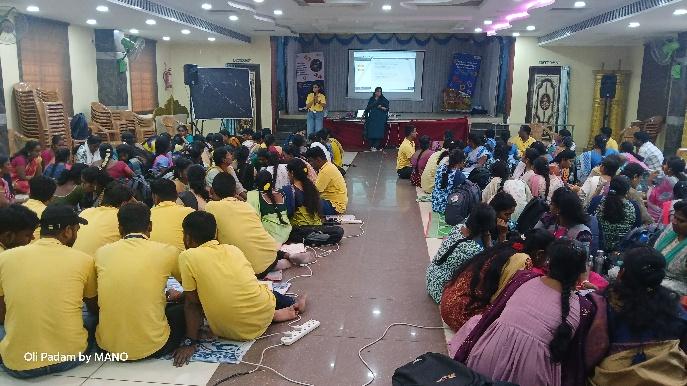
In this session, an unplugged and Scratch-based session was conducted to explain the Binary Search algorithm. The session helped teachers understand the concept of Binary Search and showed how Scratch can be used to teach searching algorithms visually. Using a Scratch project with a sorted list, variables like start, end, mid, and target, and simple loops and conditions, the steps of the algorithm were clearly demonstrated. Teachers were able to see how the search range is reduced step by step until the value is found. By the end of the session, teachers clearly understood how Binary Search works, felt more confident teaching it, and appreciated how Scratch makes complex ideas easy and engaging for classroom learning.
Synchronous and Asynchronous in Physical computing by Ms. Gomathy
In this session, teachers learned the difference between synchronous and asynchronous execution using Scratch blocks such as broadcast, broadcast and wait, and wait. Through these blocks, they observed how some actions run in sequence while others run independently without waiting, helping them clearly distinguish between synchronous and asynchronous behavior.
Teachers explored asynchronous event handling using App Lab and a physical computing board. A sample program with two buttons – one to play sound and another to blink LEDs – demonstrated how event handlers continue to trigger even after switching contexts. This behavior was explained as a result of asynchronous events, and teachers learned to manage it effectively using state variables to control callback execution.
Innovation Awards
At Asha Chennai, innovation has always been at the heart of our mission; whether it’s designing the right curriculum, refining processes, or building better ways to monitor and evaluate our solutions. In December 2024, this commitment received a huge boost when Amazon recognized our work and awarded us with the $100K Innovation Grant. This support has empowered us to push ourselves over the past year. We are happy to note that with these efforts we once again received another $100K grant from Amazon in Dec 2025!
With this milestone, we’re more energized than ever to keep experimenting, innovating, and scaling solutions that make education equitable and impactful. You may read the detailed report on Asha’s innovation here – Innovation @ Asha Chennai – 2025.
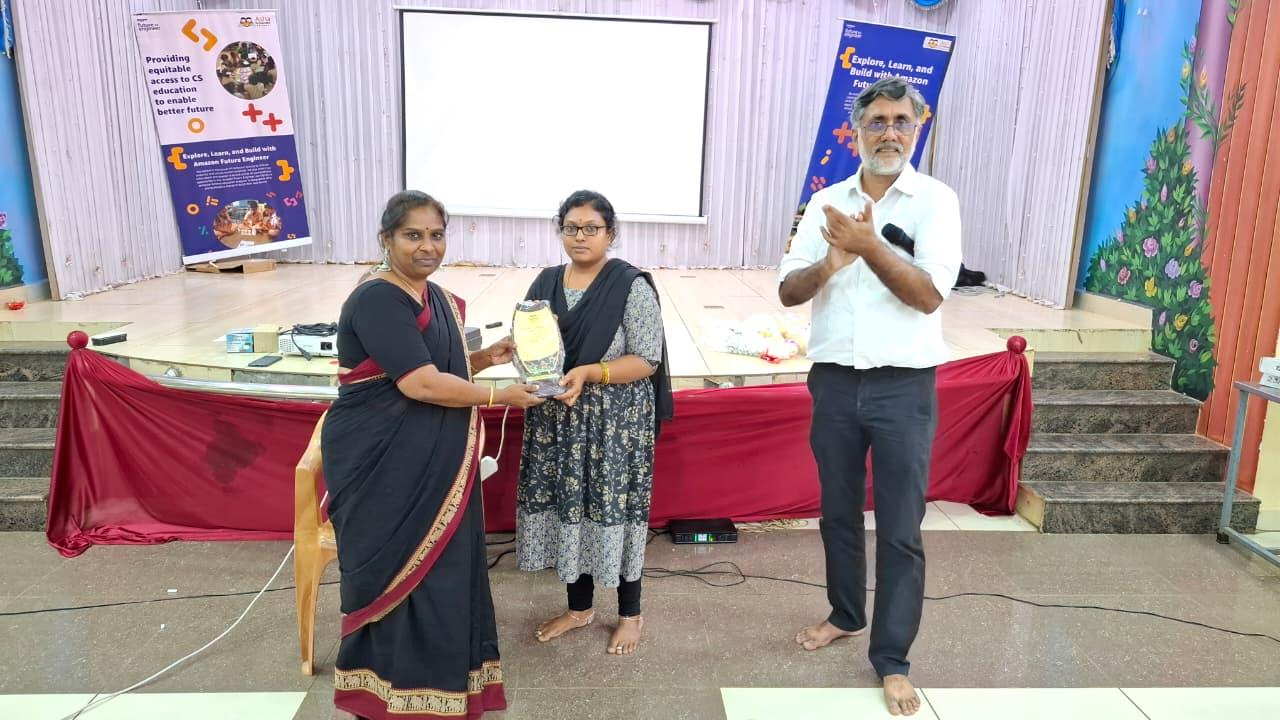
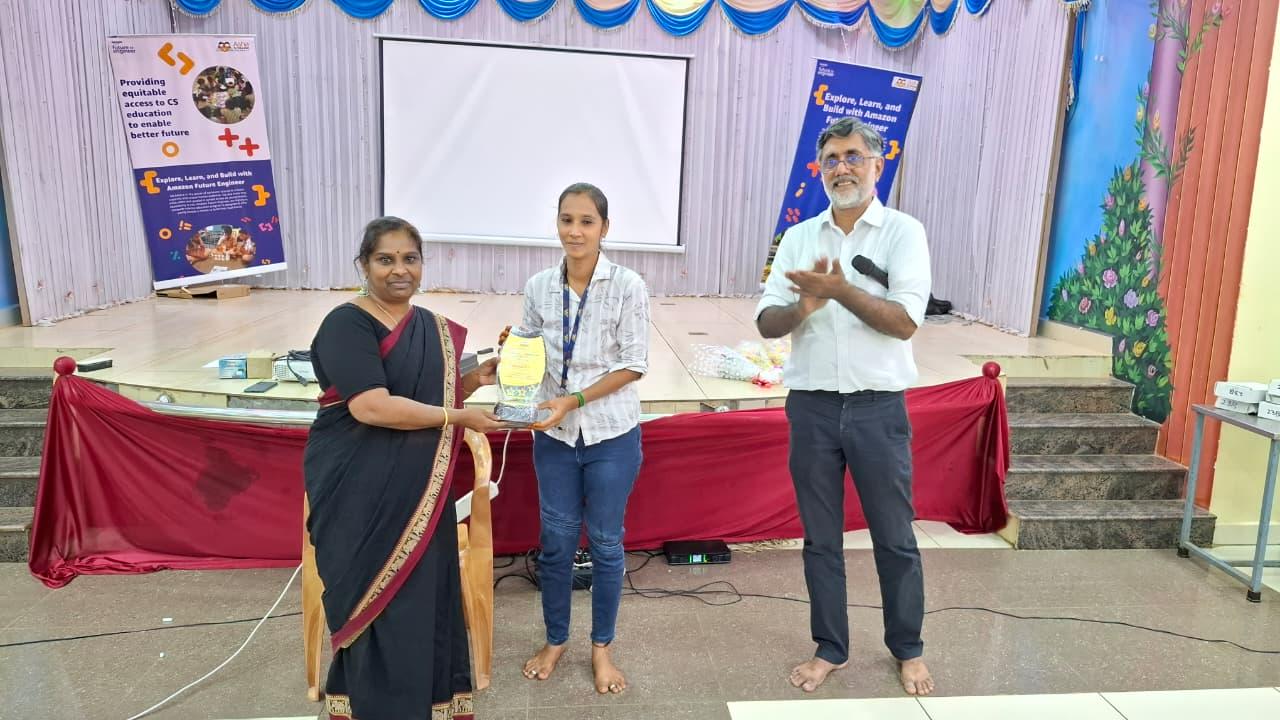
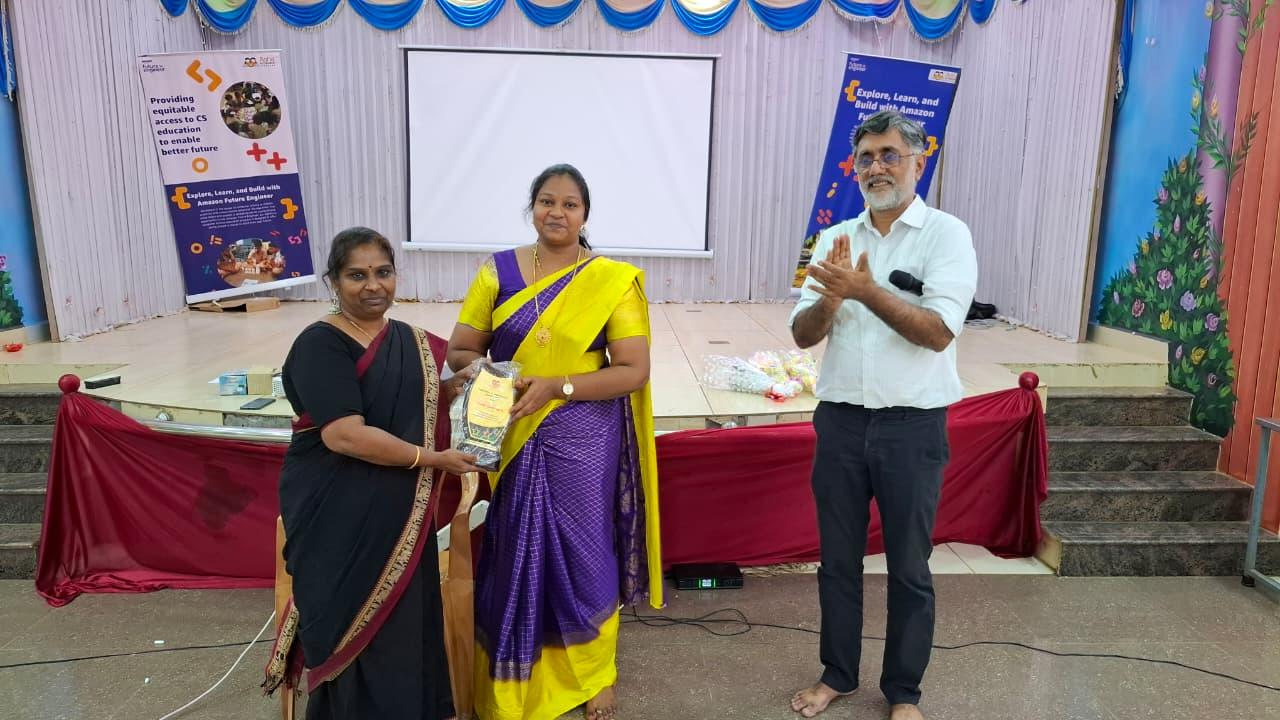
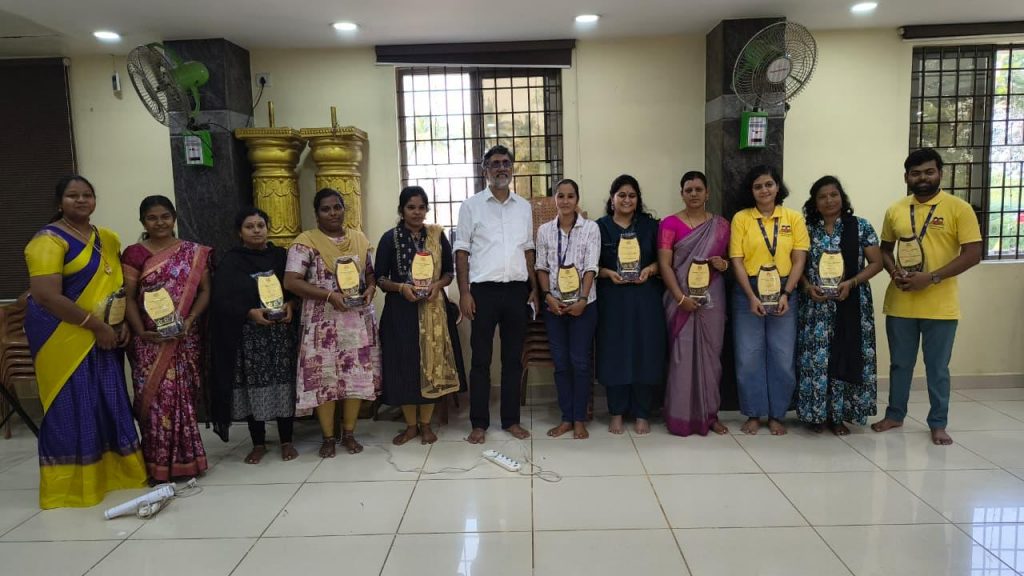
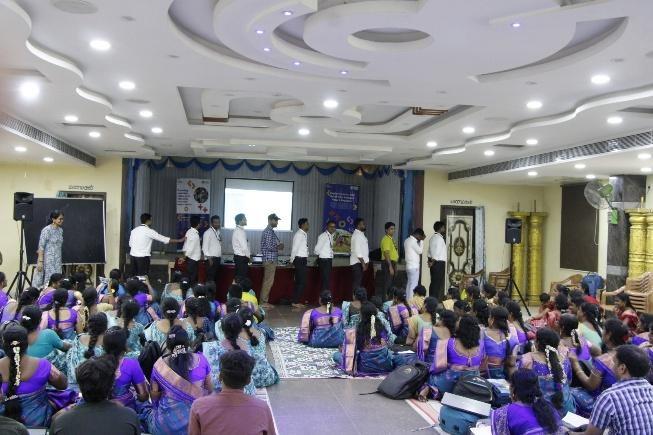
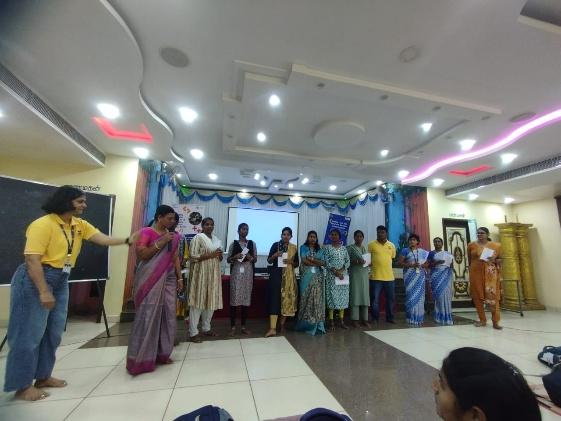
Asha’s software development team, Lead teachers and Volunteers have come together to work on improving processes and helped drive this change. It was important to recognize them for their contributions at Asha. During the Rightstart CS event, we felicitated the employees who have contributed the most towards the various Innovative activities of Asha Chennai.